In this guide
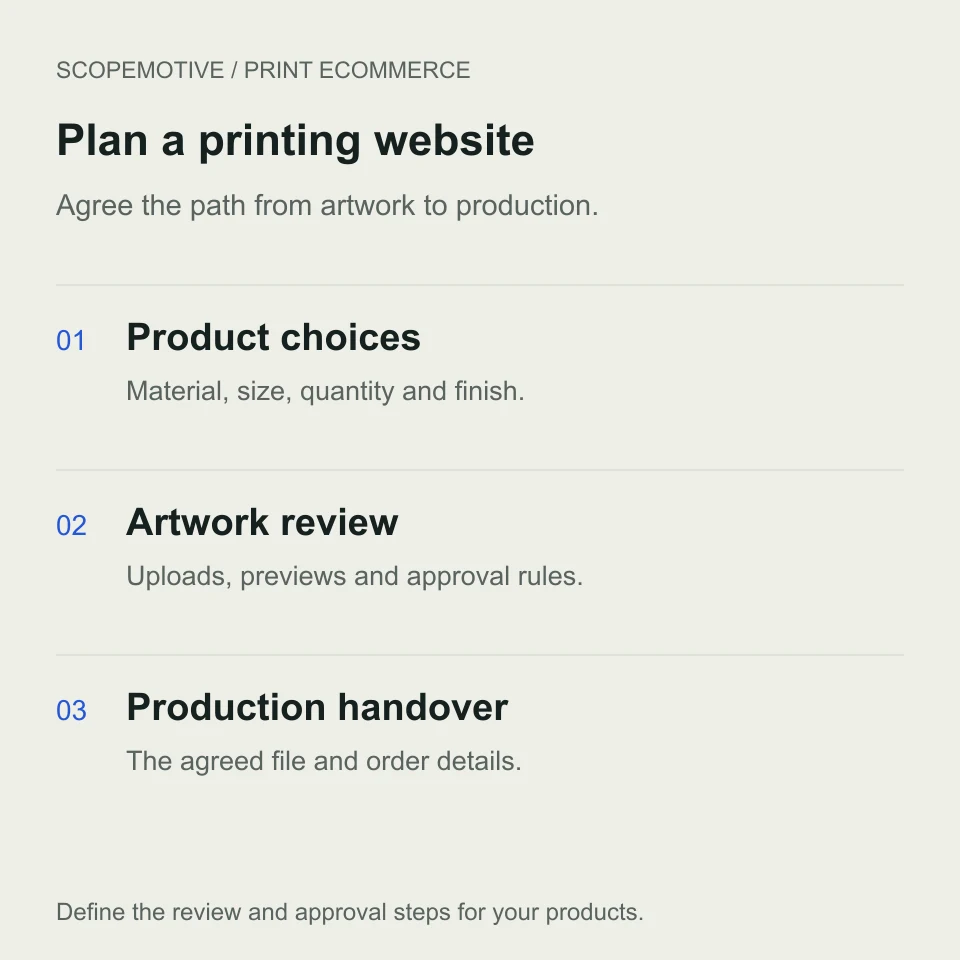
Web to print website development connects an online buying journey with the information a print business needs to produce the order. That can include a customer’s artwork, material, dimensions, quantity, finish and an approval step before production starts.
Before hiring a developer, walk them through one product from selection to production handover. Ask what the customer supplies, how the price is calculated and which file the team will use.
This guide helps print studios, wall art brands and personalised product businesses prepare that brief. It covers storefronts with artwork upload, online design tools and the decisions that affect the development quote.
Choose the customer journey before the software
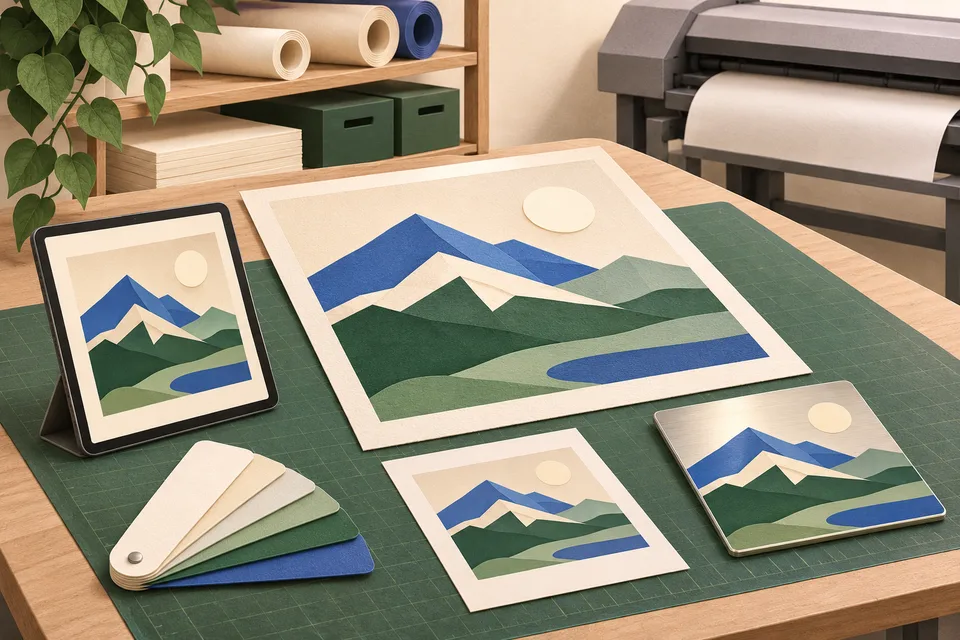
A web to print project can include several layers of functionality. Describe the layer you need for the first release.
| Customer journey | What the development brief should define |
|---|---|
| Choose an existing design | Supported materials, sizes, finishes, quantities and delivery options |
| Upload finished artwork | Accepted files, guidance, placement preview and staff review |
| Personalise a template | Editable text or image areas, permitted fonts and layout rules |
| Design a product online | Editing tools, asset libraries, supported devices and production file generation |
A print shop selling standard designs may begin with product configuration. A business selling customer photos needs a file journey. A brand portal may need approved templates and customer accounts.
Ask candidates to demonstrate the specific journey you intend to offer. If you already have a store, explain which parts you want to extend and what must continue working during the change.
Turn product options into clear order rules
Bring a representative product and its production specification to discovery. List the valid combinations and identify which choices affect price, stock, manufacturing or delivery.
For a wall print, that might include the material, physical dimensions and mounting option. For business stationery, it may include paper stock, printed sides, finishing and quantity.
In ScopeMotive’s Lasting Details project, shoppers can browse artwork or use a dedicated custom print flow. The delivered store includes paper and metal wall art, customer artwork upload and preview, desk mat sizes and catalogue administration.
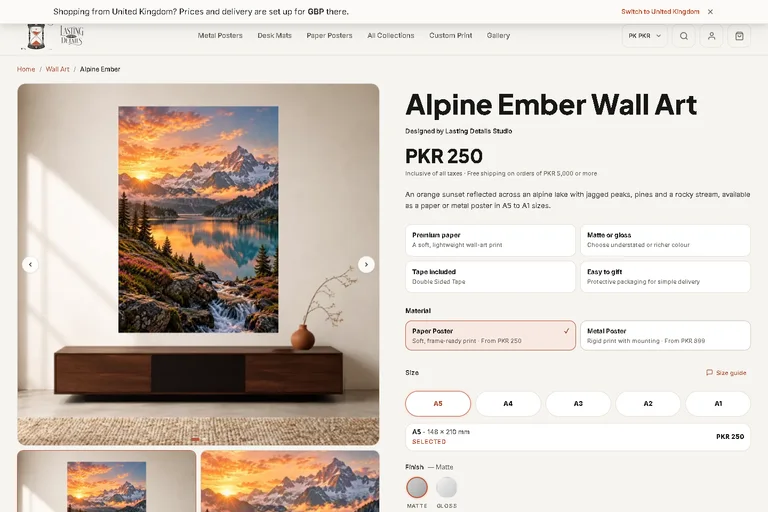
Use that kind of project walkthrough to ask how the developer connects a design with the physical product. Have them show how the selected options survive the cart, checkout and staff view.
Agree what happens when a customer changes the material or size after uploading an image. The preview, price and order details should follow the agreed rules for that change.
Define artwork uploads with the print team
Your production team should supply the requirements for each supported product. Give the developer approved sample files and examples that require correction.
| Upload decision | What to agree |
|---|---|
| File formats | Which types the team accepts and which can be previewed in the browser |
| Dimensions and quality | Required size, image detail and any product-specific checks |
| Bleed and trim | The print provider’s requirements and how they are explained |
| Multiple files | How front, back or separate items are identified |
| Upload failures | What the customer sees and how they can continue |
| File ownership | Who can access the artwork and which version belongs to the order |
Bleed extends artwork beyond the trim edge to allow for cutting. Adobe’s PDF export guidance explains bleed and colour output settings and recommends matching the print provider’s requirements. Give the developer those approved requirements for your products. Adobe print output guidance
Place instructions where the customer chooses a file. Include the permitted types, size limit and required information before they attempt the upload. W3C’s form guidance recommends explaining required inputs, formats and other relevant instructions. W3C form instructions
Agree who reviews a file that uploads successfully but needs clarification before it can be printed.
Include an order containing two personalised items with different artwork. Staff should be able to identify the correct file, quantity and options for each item. Agree how replacement files are labelled so an earlier version cannot be mistaken for the approved artwork.
Specify previews, proofs and production files
Ask what each stage of the preview represents. It might show image placement, a crop, text inside a template or the appearance of the product in a room.
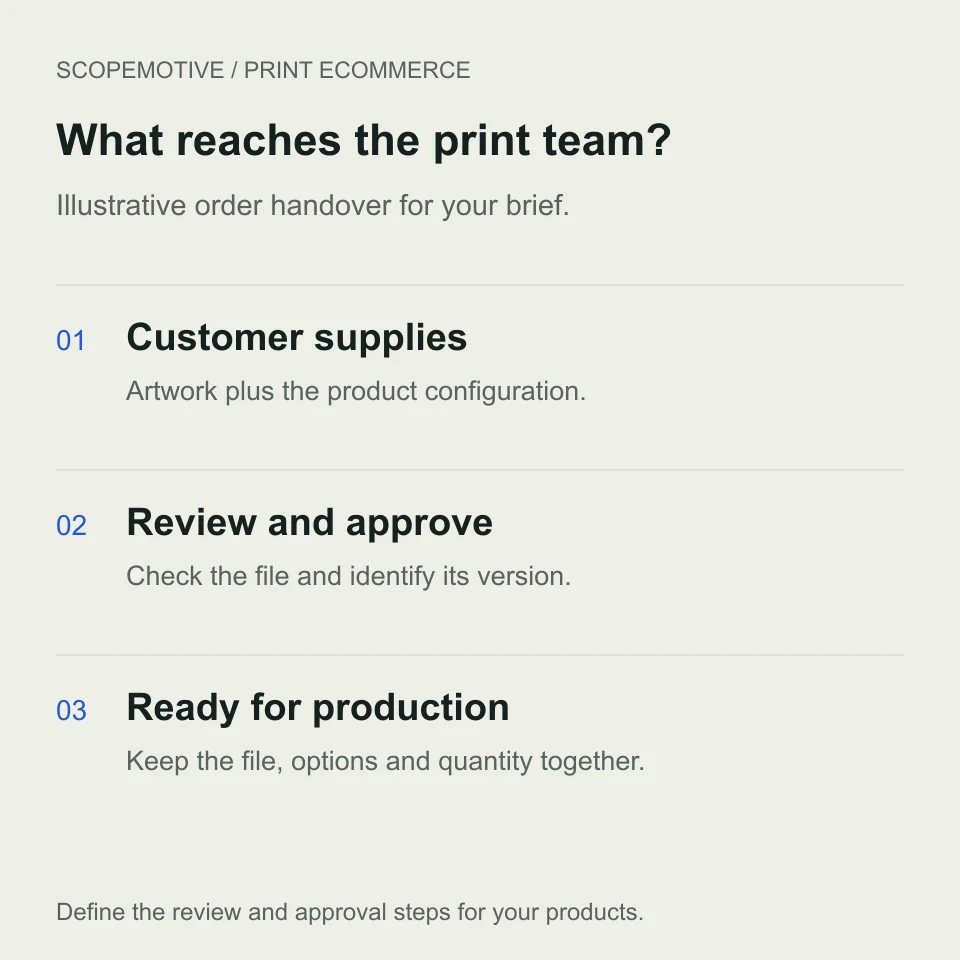
Then ask the developer to show the file that will reach production. Specify its required dimensions, output format and how it relates to the customer’s selected options. A browser preview and a production file each need their own acceptance checks.
If staff send a proof for approval, define who can approve it, how a revised file is identified and when production can start. Record the approved version with the order so the team can retrieve it later.
The Lasting Details case study supports its delivered upload, preview and product configuration features. Template editing, automated file checks and production system connections should be specified and demonstrated for the project that needs them.
Compare an extension, specialist platform and custom build
A platform choice is easier to assess once you have the product and file requirements.
WooCommerce’s Product Add-Ons extension includes text fields, selection fields and customer file uploads. Its documentation explains that an uploaded file is associated with the order line. That provides one route to investigate for a store with product customisation. WooCommerce Product Add-Ons documentation
A specialist web to print platform may provide an editor, template tools or production output features. Ask for a demonstration using your materials, artwork and approval process. Identify which features are included, which need configuration and which require development.
For a custom storefront, ask who maintains the product rules, file handling and connections after launch. Compare ownership, licence terms, hosting and ongoing support over the same period.
Test how each proposed option handles your difficult order. Include the extensions and mobile devices your customers will use in that demonstration.
Agree prices, payment and production timing
Write a sample price calculation with your team and have each candidate reproduce it. Identify the inputs, permitted combinations, quantity rules and any setup or artwork charges.
If the price needs staff review, define the quotation journey and what the customer can expect next. If payment happens online, agree what happens when artwork needs correction after the order is placed.
State when the production lead time begins. The brief should explain whether it depends on payment, acceptable artwork, customer proof approval or another agreed condition.
For delivery, include products with different packaging requirements and orders containing several items. Ask how a changed product option affects the price and estimated timing.
What affects printing website development cost?
The development quote should describe the product journey and the work required to operate it. Ask candidates to itemise these areas.
| Area | Information that affects the estimate |
|---|---|
| Catalogue | Product families, valid combinations and content entry |
| Artwork | Upload handling, previews, file checks and storage |
| Design tools | Template rules, editing controls and output generation |
| Commerce | Pricing, payment, delivery and order changes |
| Operations | Staff review, approval, notifications and production connections |
| Launch and ownership | Migration, acceptance checks, training, licences and support |
A file upload field is one deliverable within that scope. Agree how the file becomes available to the right staff member with its product, quantity and options.
Ask for initial delivery costs and recurring charges. The proposal should identify platform or editor subscriptions, file storage, hosting, support and any limits tied to usage.
Our website quote comparison guide gives you a method for comparing scope and ongoing costs. ScopeMotive estimates a print ecommerce project after reviewing the products, file journey and required connections.
Give developers three orders to demonstrate
Use anonymised sample artwork and agree the expected result for each scenario.
- A customer selects an existing design, chooses a material and size, and completes the order.
- A customer uploads artwork from a phone, changes the size and reviews the resulting crop.
- An order needs a corrected file or a revised proof before production can start.
During the mobile demonstration, interrupt an upload or use a file outside the permitted limits. Check that the customer receives a useful explanation and can recover without losing choices they have already made. Record the expected behaviour in the acceptance checklist.
Check that staff can retrieve the intended file version, product options and quantity together. Ask a team member to make a catalogue change using the handover instructions.
If the store needs to send orders into a business system, our WooCommerce ERP integration guide explains how to scope record ownership, failed transfers and repeat imports. The connection depends on the platforms used in your project.
Prepare your printing website brief
Send candidates a small product catalogue, approved file requirements, a price example and the three representative orders. Explain who reviews artwork, who approves changes and what the production team needs to receive.
Include your existing store address, the software you use and the parts you want in the first release. Use our general ecommerce brief to capture payment, delivery and ownership requirements alongside the print workflow.
ScopeMotive builds ecommerce stores for product businesses, with direct collaboration with founder Hussain Khuzema through scoping, development and handover.
Explore ecommerce development, review the Lasting Details project or discuss your printing website.